Press kit
Everything you need to cover Magic Knob. Use any asset on this page without asking. Questions and review licenses: support@magicknob.app.
One line
Magic Knob turns your Mac trackpad into a dial.
Boilerplate
Magic Knob is a $9 one-time-purchase macOS menu bar app that turns the trackpad into a precision dial. Rest two fingers on the trackpad and rotate to control volume or brightness, click with three fingers to play or pause, and point the same gestures at keyboard shortcuts, media keys, or the lock screen. A native glass HUD shows the level as you turn. Everything runs locally: no account, no subscription, and optional anonymous usage counts that are off by default. Magic Knob is built by Scaling Adventures LLC and is available at magicknob.app with a free 14-day trial.
Why it exists
macOS has shipped a two-finger rotation gesture on multitouch trackpads for well over a decade, and almost nothing uses it. Meanwhile changing volume on a Mac means mashing function keys or opening a slider in Control Center. Magic Knob maps the unused gesture to the controls people reach for most, so the trackpad behaves like the physical knob a Mac never had.
Story angles
- The hidden trackpad gesture Apple shipped and forgot.
- A software replacement for USB volume dials that costs less than one.
- Local-first indie Mac software: one price, no accounts, no analytics by default.
- The technical challenge of reading trackpad rotation from a background app on macOS.
Facts
| Name | Magic Knob |
|---|---|
| What it is | A macOS menu bar app that turns the trackpad into a precision dial |
| Platform | macOS 14 or later, Apple Silicon. Built-in MacBook trackpads and the Magic Trackpad |
| Price | $9 USD one-time license after a free 14-day trial. No subscription. Two- and three-Mac licenses available |
| Guarantee | 30-day money-back guarantee, no questions asked |
| Distribution | Direct download from magicknob.app, signed and notarized, with in-app updates via Sparkle |
| Privacy | Gestures are processed locally. No account. Optional anonymous usage counts, off by default |
| Developer | Scaling Adventures LLC |
| Website | https://magicknob.app |
| Contact | support@magicknob.app |
Assets
- App icon, 1024 × 1024 PNGTransparent background. Use at any size down to 32 px.
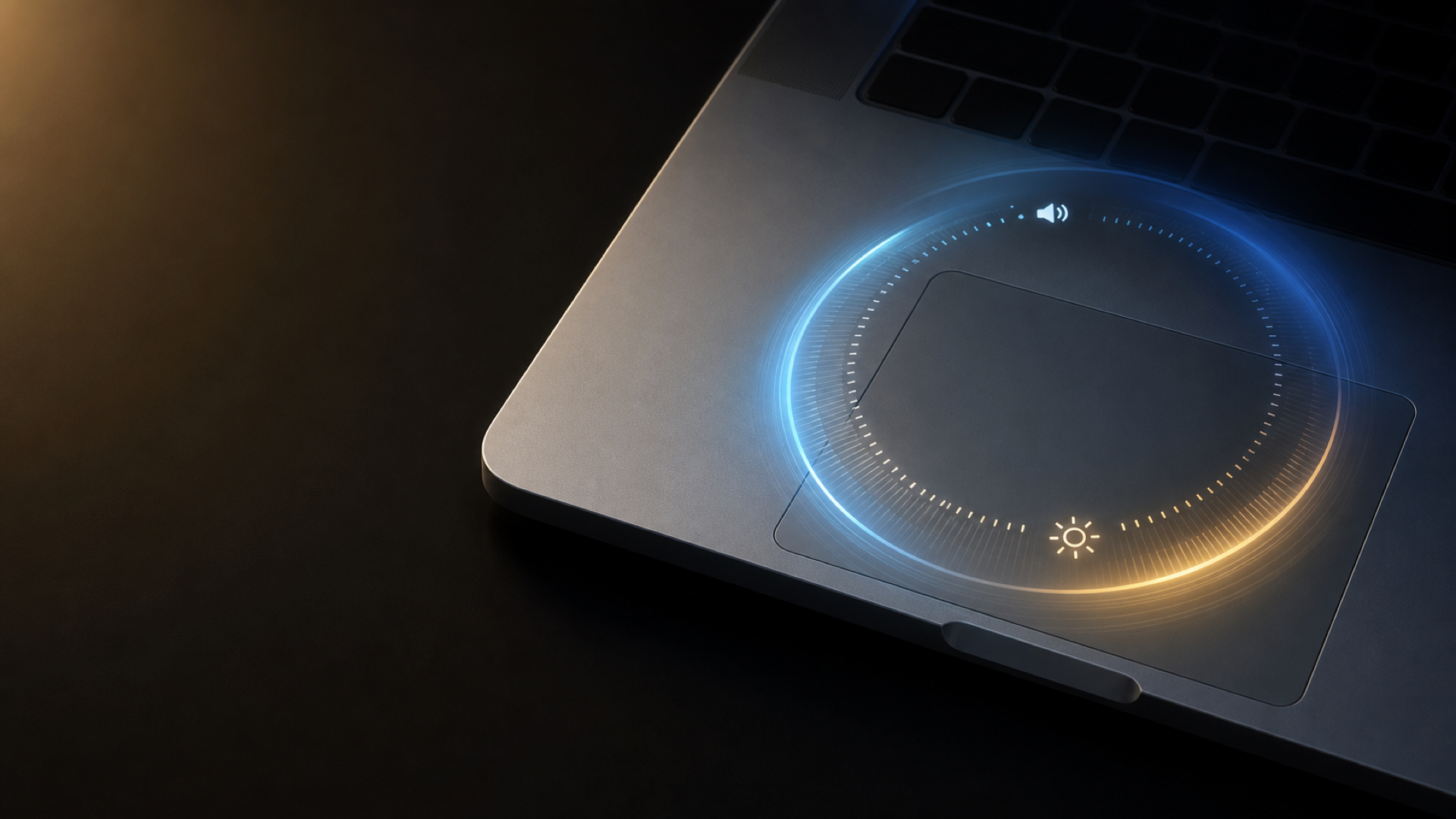
- Key art: the dial, 1920 × 1080 PNGThe glowing dial hovering over a trackpad. Works as a header or thumbnail.
- Key art: cinematic, 1920 × 1080 PNGAlternate wide banner.
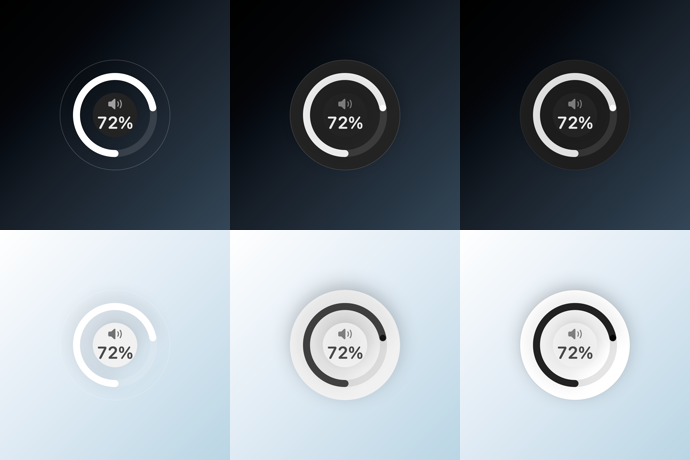
- HUD appearances contact sheet, PNGThe three on-screen dial styles (Clear Liquid Glass, Frosted Glass, Solid) in light and dark mode.
- Dial animation, MP4The site's hero dial turning. No audio, loops cleanly.
- Dial animation, clockwise, MP4A single clockwise turn of the dial, useful as a short demo clip.
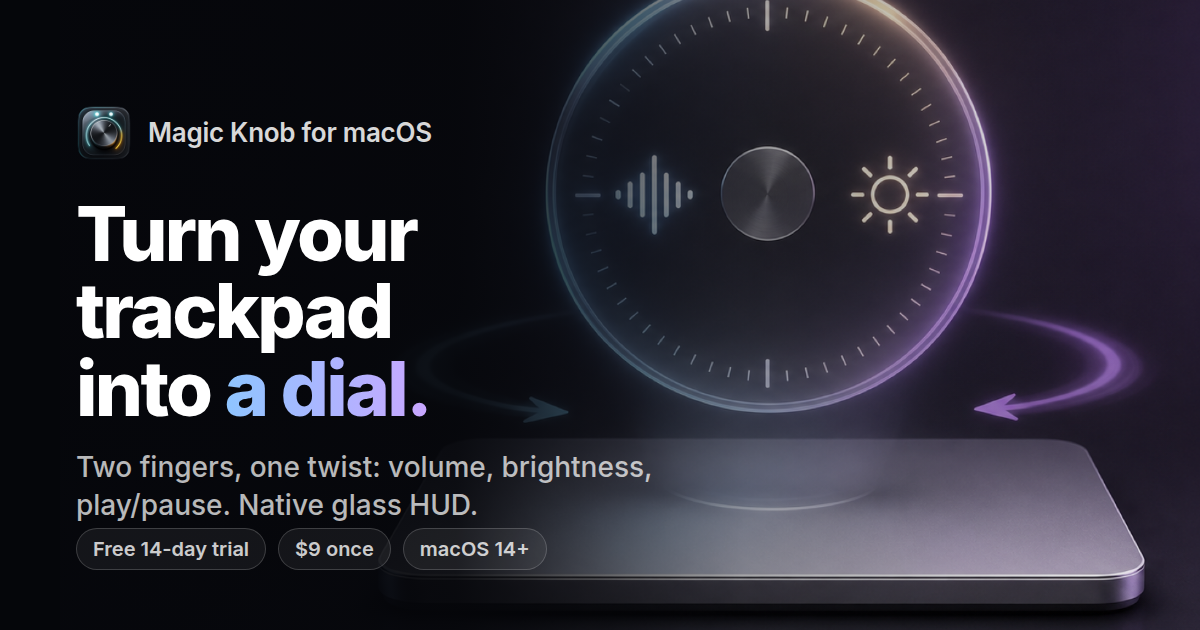
- Share card, 1200 × 630 PNGThe social preview card: key art with the one-line pitch.
- Ambient background loop, MP4Soft background motion used behind the hero.

Need a specific screenshot, a clip of real hands on a real trackpad, or a review license? Email us and we will send it the same day.
Usage guidelines
- Call it “Magic Knob”, two words, both capitalized.
- Please do not alter the icon or place it inside another shape.
- Link to https://magicknob.app rather than to a download file, so readers always get the current version.
Try Magic Knob free for 14 days
Every feature, no account, no card. If the trackpad dial earns its place, a one-time $9 license keeps it forever.
Download for MacSee how it works